
Teleprompter for Musicians: Lyrics and Chords at Your Fingertips
Take your performance to the next level without the fear of forgetting lyrics or getting lost in chords. PromptNinja's Musician Mode is the ultimate solution for artists and live streams.
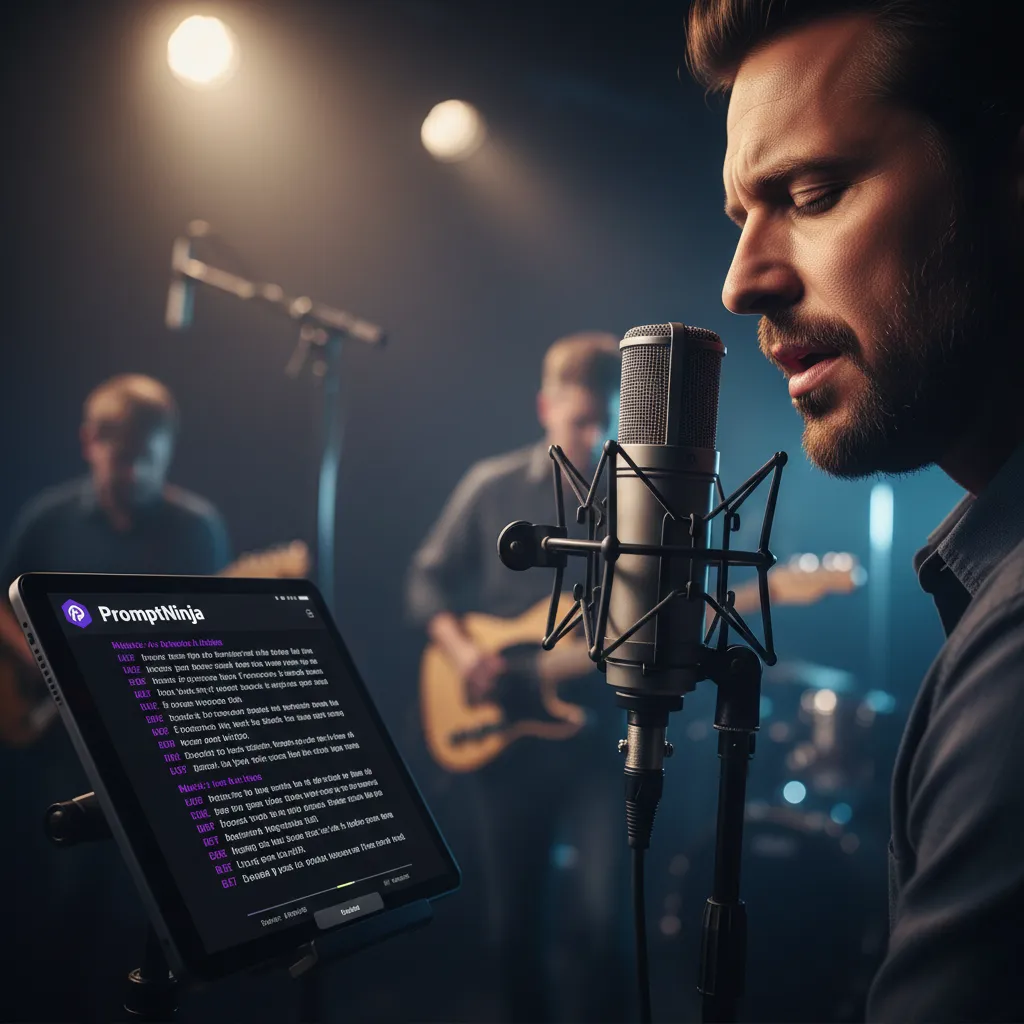
In this specialized guide for artists, we explore how PromptNinja transforms your smartphone or tablet into the ultimate digital roadie. Discover how to set up a teleprompter that follows your rhythm, allowing you to stay focused on emotional delivery and connection with your audience, whether on a live stage or in broadcasts. With support for chords and Bluetooth pedal control, our free online tool ensures every chorus and every bridge is executed perfectly, eliminating "blank" anxiety and professionalizing your musical setup in seconds.
Why is PromptNinja the Musician's Best Friend?
- ⏱️Fluid and Rhythmic ScrollingAdjust the speed to match the song's tempo, ensuring the text rises exactly at the right beat.
- 🎼Support for Lyrics and ChordsKeep your harmonies visible right above the lyrics, without losing alignment even with large fonts.
- 🦶Hands-Free ControlCompatible with Bluetooth pedals and remote controls, so you can change songs without taking your hands off the instrument.
- 🌑High Contrast for StageBlack background and vibrant text ensure perfect legibility even under intense stage lights.
Different from a Speech
🎤 The Binder Problem
Binders with paper sheets fly with wind, need external light to be read in dark stages, and require you to stop playing to turn the page.
🎸 The Digital Solution
Backlit screen (visible in dark), auto-scroll (hands-free), and giant fonts (readable from floor).
Setting up "Stage Ninja"
1. The Pedal Page Turner
PromptNinja accepts keyboard shortcuts. If you buy a Bluetooth pedal (like PageFlip or iRig), configure it to simulate "Space" key.
We've configured some default factory shortcuts:
- Page Down: Play/Pause
- Page Up: Stop/Reset
- End: Next session (use in the text [PART 1] [PART 2] etc)
- Home: Previous session
Result: You stomp, lyrics scroll. Your hands stay on guitar/keys.
2. Tablet on Mic Stand
Use a tablet mount that clamps to mic stand. Put PromptNinja in fullscreen. Set background to pure black and text to white to avoid illuminating your face from below ("ghost effect").
3. Chord Formatting
PromptNinja respects line breaks. You can paste lyrics with chords on top.
G D Em
Almost heaven, West Virginia...
Who Shines on Stage with PromptNinja! (E-E-A-T)
"My YouTube lives changed after Musician Mode. No more horrible paper binders appearing on camera. The setup with the iPad on the stand looks super professional."
— Ricardo Lima, Bar and Live Singer"PromptNinja's Bluetooth pedal control is a life saver for those who play guitar and sing solo. I can scroll the lyrics without interrupting the beat."
— Amanda Rocha, Independent Artist