
Teleprompter Lagging? The Ultimate Solution for Interruption-Free Recording
You're in the middle of a crucial recording, the message is flowing, the camera is on, and suddenly... the teleprompter freezes. The rhythm breaks, spontaneity vanishes, and frustration takes over. Anyone who has experienced a teleprompter lagging knows how it can sabotage an entire production.
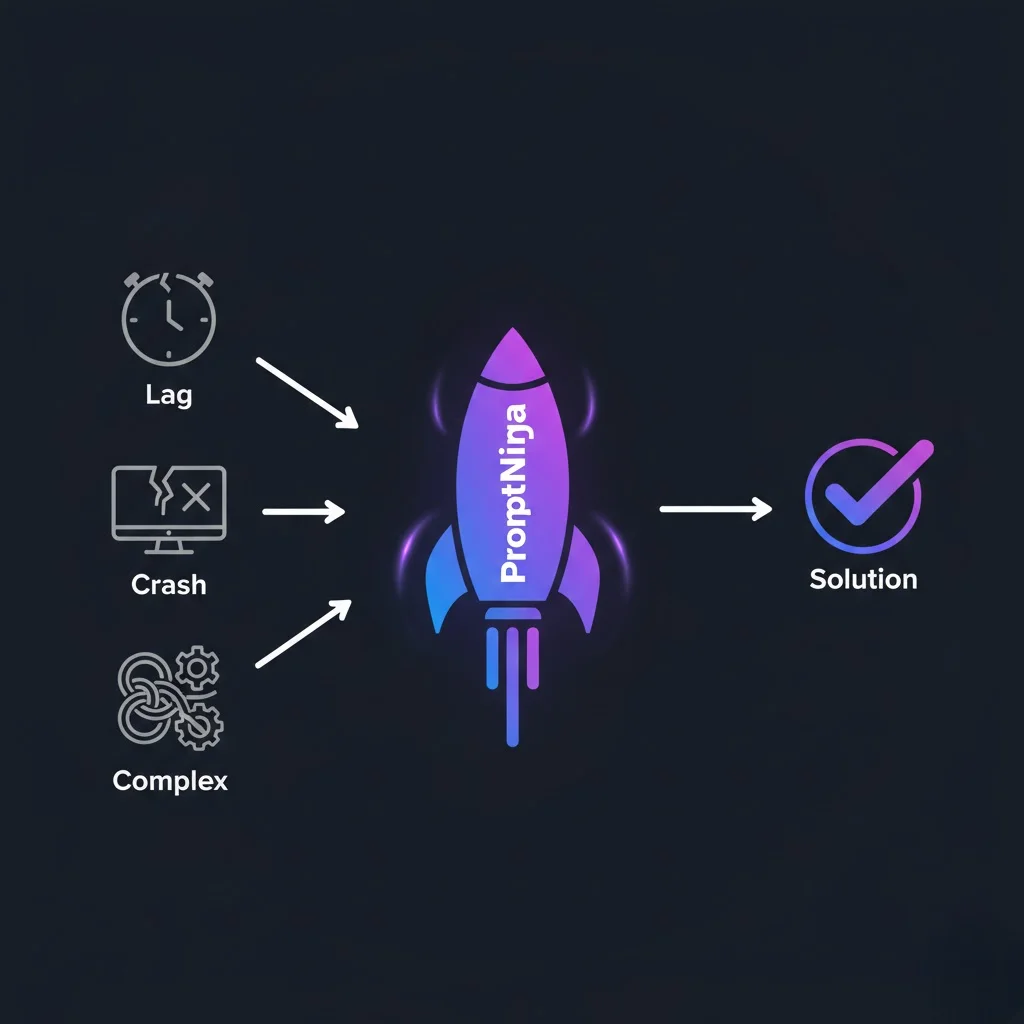
The good news? There's a tested and approved solution for the main culprits causing freezes: from inadequate hardware and outdated software to incorrect settings. And the best part is you don't need an IT degree to solve it, because PromptNinja was built to be your definitive solution, preventing most of these issues before they even appear.
Solution #1: Switch to Cutting-Edge Tech
While other sites overload your machine, PromptNinja uses hardware acceleration (GPU) to deliver "butter" smooth, lightweight, and stutter-free scrolling.
Test PromptNinja Smoothness FreeBlame the DOM (Document Object Model)
Most free online teleprompters are made by amateurs. They try to move text by changing "page position" (CSS Top/Margin).
This forces browser to Repaint the entire screen every millimeter of movement. In long scripts, this eats 100% of your CPU, causing heat and freezes.
The PromptNinja Solution: GPU Acceleration
We were software engineers before building this app. PromptNinja uses a technique called requestAnimationFrame combined with Hardware Acceleration.
🐢 Other Sites
Processing done by CPU (Processor).
Result: Computer gets hot, fan noise, text stutters if you open another tab.
🚀 PromptNinja
Processing done by GPU (Graphics Card).
Result: Butter smooth movement (60 FPS constant), even on old PCs or cheap phones.
Checklist to Eliminate Lag Today
O que você vai precisar:
Ferramentas
- Browser
- PromptNinja