
How to Use a Teleprompter in Podcasts: The Secret to Professional Flow
"Hello everyone and welcome to... uh... what episode number is it again?" If you've been there, you know that the charm of a podcast can be ruined by stutters and forgetfulness. Professional podcasters don't improvise everything; they use systems that ensure perfect intros and ads.
In this article, we'll reveal how PromptNinja has become the secret tool for maintaining conversation flow without losing spontaneity. Learn where to position the teleprompter in your videocast setup to maintain eye contact with both the audience and the guest, and discover how to ensure your sponsorship ads are read with the precision required by major brands, all for free and intuitively.
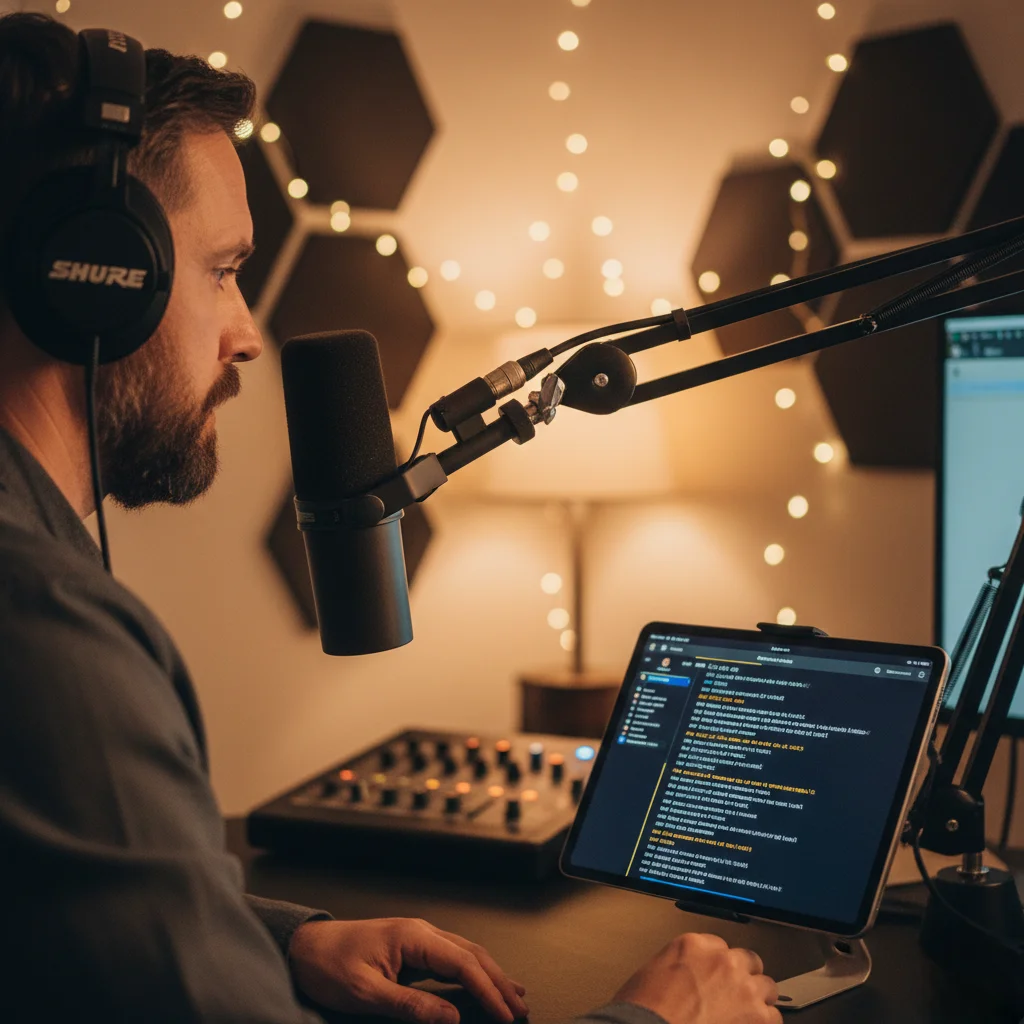
Record with Confidence and Fluidity
Eliminate "uhhh..." and uncomfortable pauses. With PromptNinja, your intros and sponsorship ads are flawless on the first take.
Try PromptNinja for FreeWhere to Use (and Where NOT to Use)
✅ USE FOR:
- Episode Intro: "In today's episode, we'll talk to John Doe about..." (Keeps it energetic and error-free).
- Ad Reads (Sponsors): Brands hate it when you get the product name wrong or forget the coupon code. Read the exact copy.
- Guest Bio: "He is a Harvard graduate, author of 3 books..." (Don't trust your memory for resumes).
- Outro (CTA): Ask for likes, bells, and newsletter subs.
❌ DO NOT USE FOR:
- The Interview Itself: The charm of a podcast is spontaneous conversation. Do not script questions and answers, use bullet points only.
- Reactions: Laughs and surprises must be genuine.
Setup for Videocast (Desk)
Unlike a TV studio, in a podcast, you are usually looking at the guest or a microphone, not the camera all the time. However, in introductions, eye contact with the camera is essential to connect with those watching on YouTube/Spotify Video.
The PromptNinja Hybrid Technique
Place a tablet or phone with PromptNinja running right below your main camera lens. Use "Mirror Mode" if you have glass, or normal mode if it's just the screen.
When talking to the audience (Intro/Ad), look at the lens/prompter. When talking to the guest, ignore the prompter.
Editing Tips
Many podcasters record the introduction and ads after the interview is over. That way, you know exactly what was good in the chat to make a killer "teaser" in the opening. The teleprompter is your best friend at this time, as you will be tired and want to record quickly.