
How to Memorize Text Fast? 🧠 5 Fail-proof Techniques (and why you shouldn't!)
You have a presentation tomorrow. The script is 5 pages long. Your heart races just thinking about forgetting a line and freezing on camera. Searching for "how to memorize text fast" is common, but the brutal truth? Trying to memorize word-for-word is the shortest path to a robotic and nervous performance.
In this guide, we'll show you the 5 most effective memory techniques used by actors and speakers. But we'll also reveal The Memorization Trap: why the world's top YouTubers and speakers have stopped memorizing and how PromptNinja has become the essential tool for them to shine naturally, without the stress of forgetting a single comma.
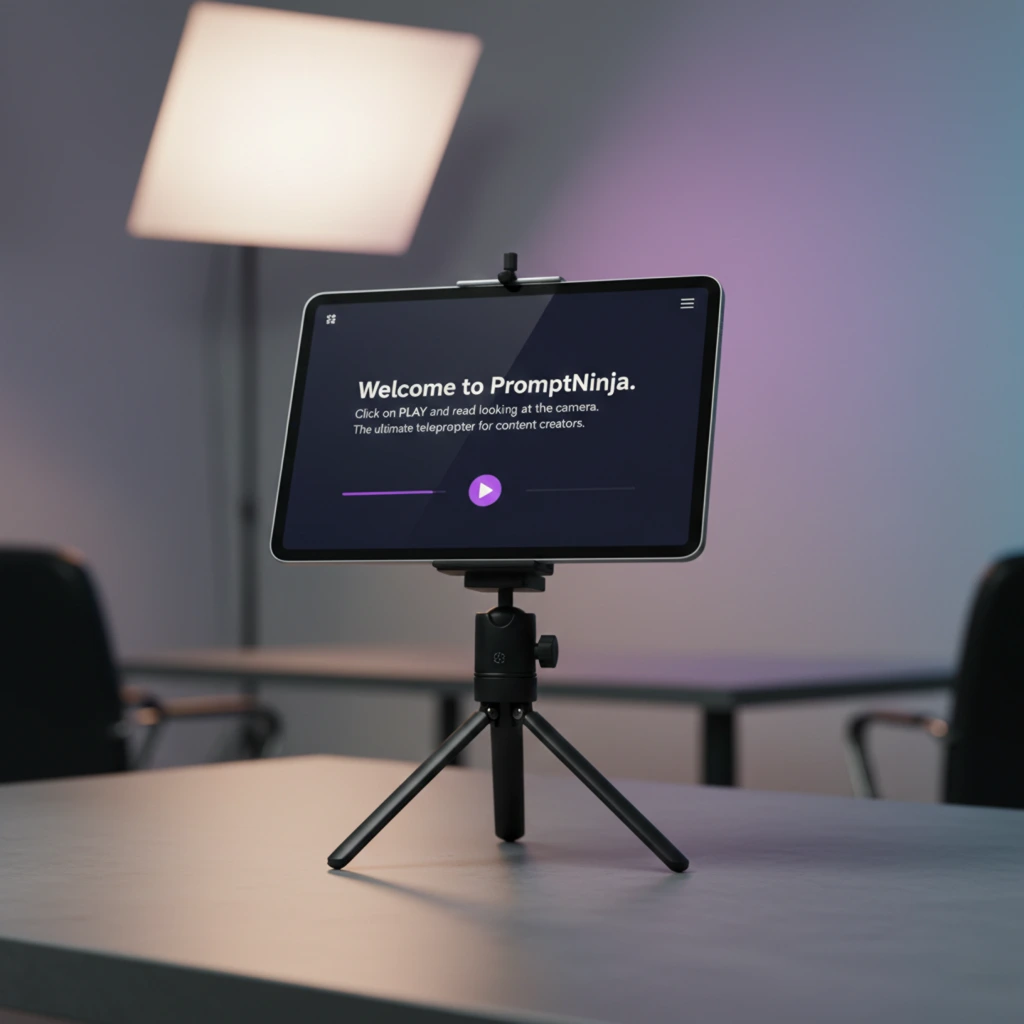
Focus on Your Performance, Not the Words
Deliver your message fluently and naturally. Use our free tool to read your script without ever breaking eye contact with your audience.
Stop Memorizing and Start PromptNinjaFree forever. No registration required.
The Myth of Perfect Memory
We think news anchors, politicians, and big YouTubers have photographic memories. Lie. They have Teleprompters.
TV industry discovered 50 years ago that human brain wasn't made to recite. It was made to converse. When you try to recall words, your eyes go blank ("dead fish eyes") and your voice goes robotic.
The "Invisible Gaze" Technique
"But if I read, they will notice!" Not if you use the right technique. The secret isn't what you read, but how you set up the screen.
❌ The Common Mistake
Putting text full width on a widescreen monitor.
Result: Your eyes dart side to side like watching a tennis match. Everyone notices.
✅ The Ninja Technique
Narrowing text margin to just 3 or 4 words per line, right in the center.
Result: Your eyes stay fixed in center. To the viewer, you are looking deep into their soul.
Step-by-Step: From Reading to Performance
O que você vai precisar:
Ferramentas
- PromptNinja
- Text
1. The Funnel Setup
2. The Magic Distance
3. Body Language
The Science of "Cognitive Relief"
When you don't spend 90% of your brain power trying to remember next word, that energy is freed for Acting. You can finally put emotion, irony, and pauses in your speech. Teleprompter doesn't trap you; it frees you.